UX Improvement Prompt
Here’s a prompt to improve the UX and workflow of an app.
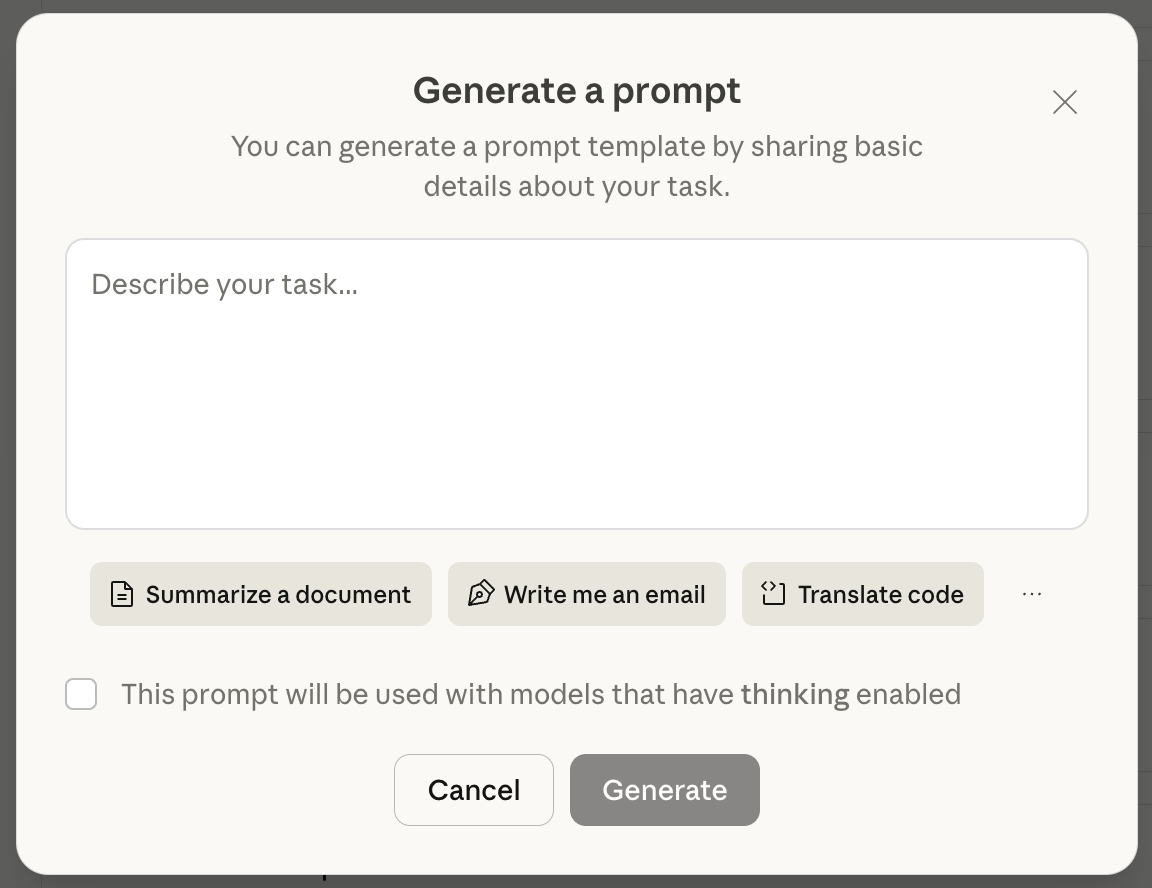
The key part is to prompt the system to think through what information a user needs to see at which point of the workflow. That’s essentially what I provided to the Claude prompt improver. You can input any text, then the model returns an improved prompt. It’s a free tool you can use to see Anthropic’s best practices around prompt generation.
When describing an experience as “intuitive” and “seamless” this is what’s happening, the system’s workflows match the user’s expectations. When there’s a mismatch, that’s when it’s confusing.
Prompt to improve UX flows
You will be analyzing task outputs to recommend improvements for how information should be displayed to users. Your goal is to make the output more useful, intuitive, and user-friendly.

Here is the description of the task and the type of results it produces:

<task_description>
{{TASK_DESCRIPTION}}
</task_description>

Here are sample outputs from this task:

<sample_outputs>
{{SAMPLE_OUTPUTS}}
</sample_outputs>

Your job is to analyze these outputs and propose a better way to display the information. Consider the following:

1. What are the distinct elements/components in the output?
2. Which elements does the user need to see immediately vs. later?
3. What questions would users likely have when viewing these results?
4. What information are users most interested in?
5. How can we structure the presentation to be more intuitive and useful?

Before providing your recommendations, use a <scratchpad> to work through your analysis:
- Break down the output into its component parts
- Consider the user's perspective and likely workflow
- Think about information hierarchy and progressive disclosure
- Consider different presentation formats (tables, sections, highlights, etc.)

After your analysis, provide your recommendations in the following structure:

<analysis>
In this section, identify and list the key elements present in the output. Describe what each element represents and its importance to the user.
</analysis>

<user_needs>
In this section, describe what questions users would have, what they're most interested in seeing, and when they need to see different pieces of information (immediately vs. on-demand).
</user_needs>

<recommendations>
In this section, provide specific, actionable recommendations for how to improve the display. Include:
- How to organize/structure the information
- What to emphasize or highlight
- What to show by default vs. what to hide/collapse
- Any visual formatting suggestions (headings, sections, tables, etc.)
- The order in which information should be presented
</recommendations>

Your final output should contain only the analysis, user_needs, and recommendations sections - do not include the scratchpad in your final response.